






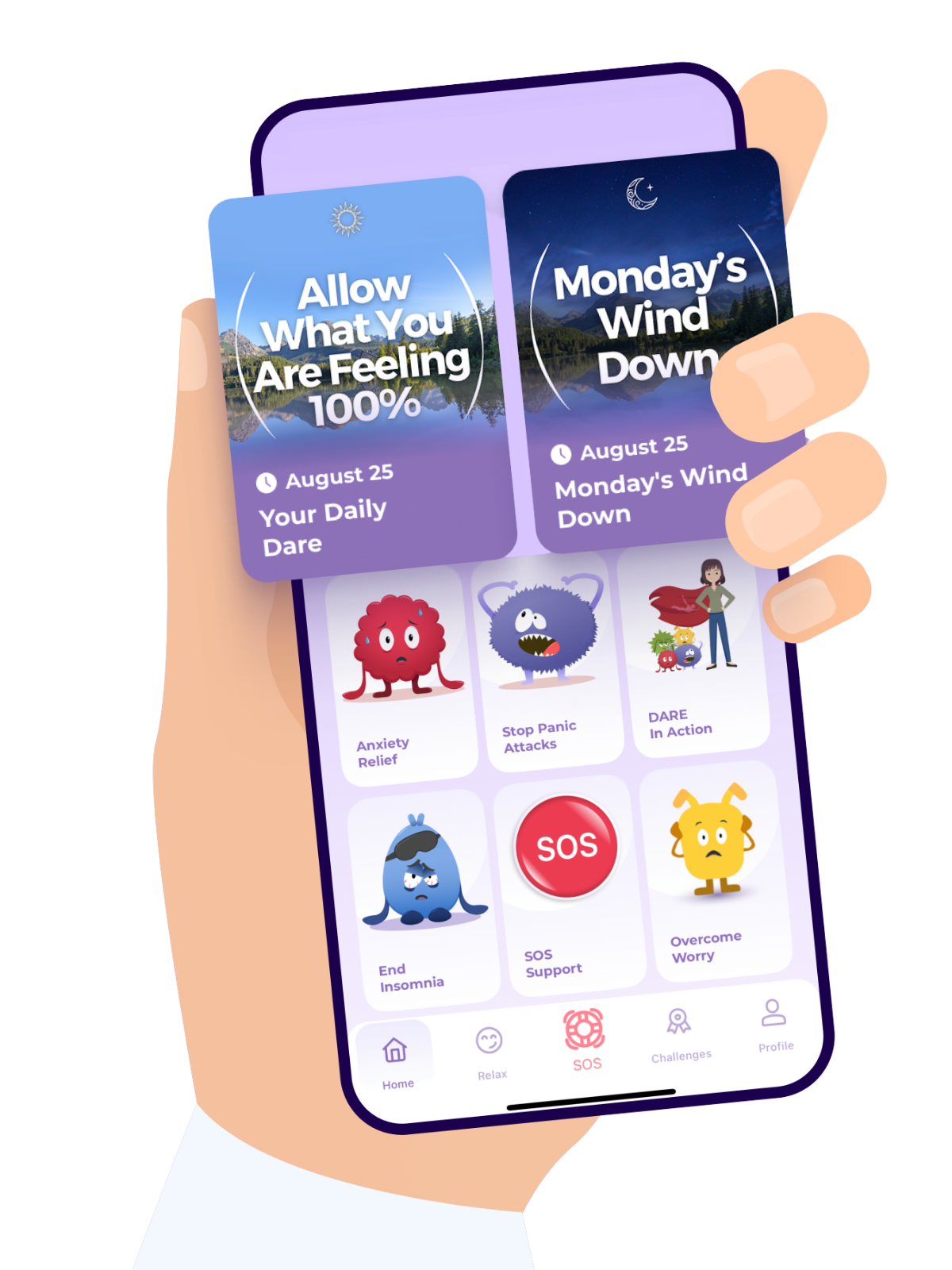
Here are the steps on how to Restore Purchases on the DARE app
Just a quick note—this option only works if your DARE app account already has an active subscription that simply needs to be restored on the app.
It doesn’t mean you’re making a new purchase or being charged again.
Open the DARE app.
Log into the DARE app account where it's supposed to have premium access..
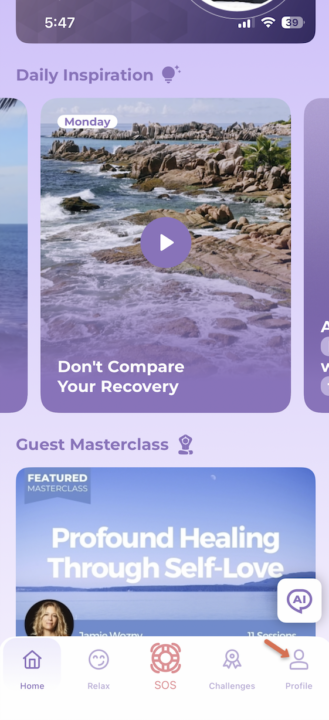
Tap Profile.
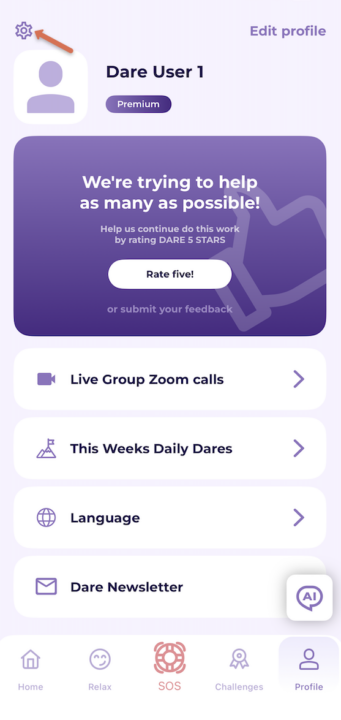
Tap the gear icon (upper left of the app).
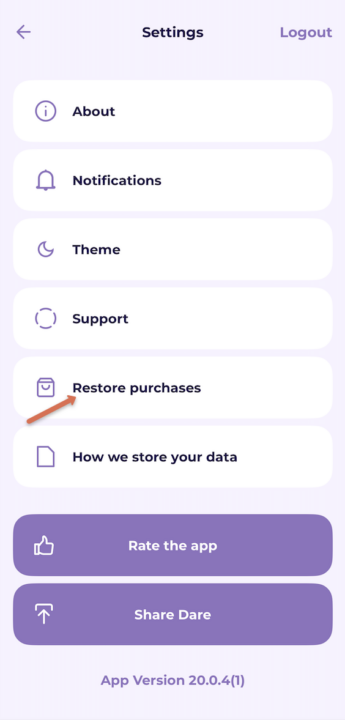
Tap Restore Purchases.
If Restore Purchases worked successfully, your Premium access should now be restored. You can confirm this by going to Profile, where it should show Premium.
If your Premium access still isn’t showing, please reach out to support@dareresponse.com, and our team will be happy to help troubleshoot this further.
If your Premium access still isn’t showing, please reach out to support@dareresponse.com, and our team will be happy to help troubleshoot this further.
Download the DARE app