






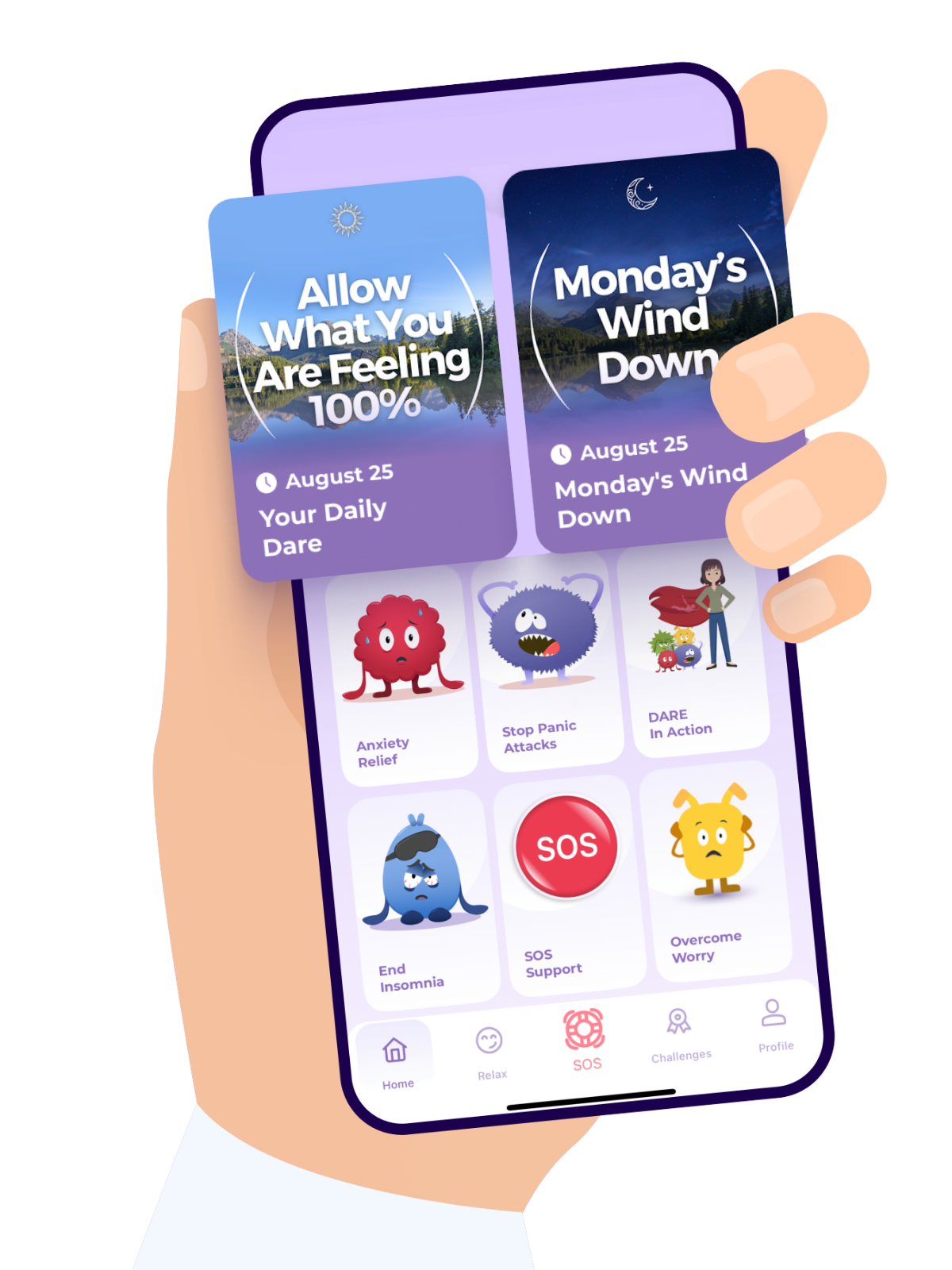
If you created your DARE app account using an email address and password, you can reset your password by following these steps:
Open the DARE app.
Tap Login.
Tap Forgot Password?
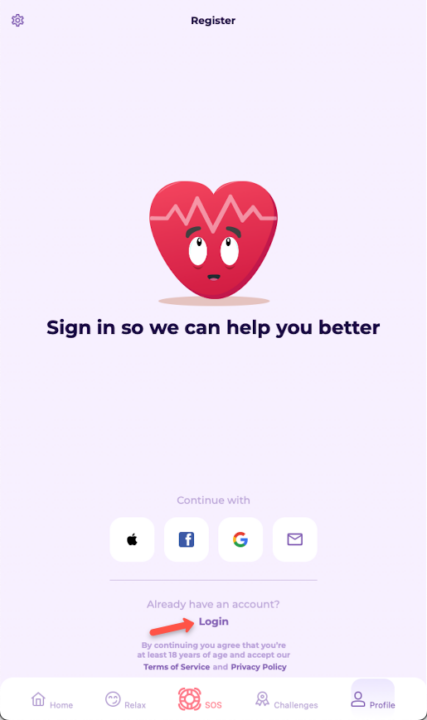
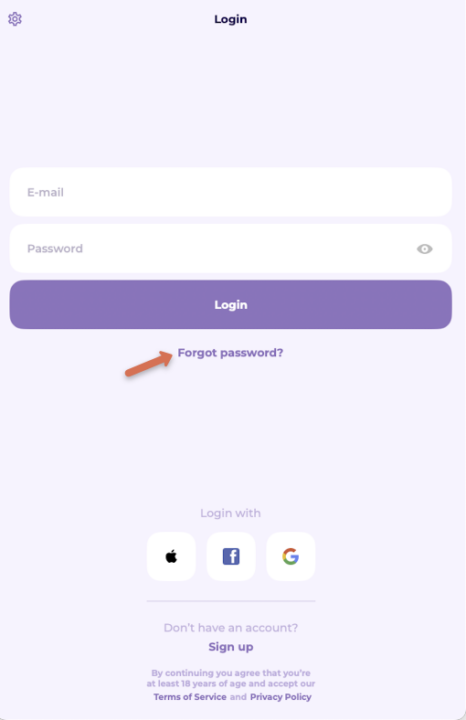
Enter the email address associated with your DARE app account then tap Request Code.
A Password Reset Request email will be sent to your entered email address.
Note: this email contains a reset code that will expire in 10 minutes. You can request another code when it expires.
Note: this email contains a reset code that will expire in 10 minutes. You can request another code when it expires.
Copy the reset code from the email and put it in the Reset code field.
Put the new password in the New password field.
Tap Reset password.
Why am I seeing "You cannot change password" after tapping Forgot password?
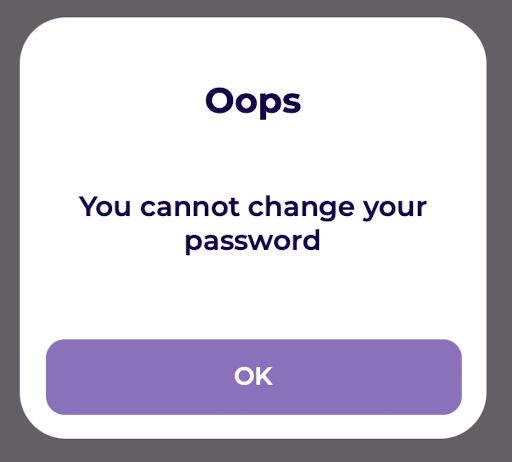
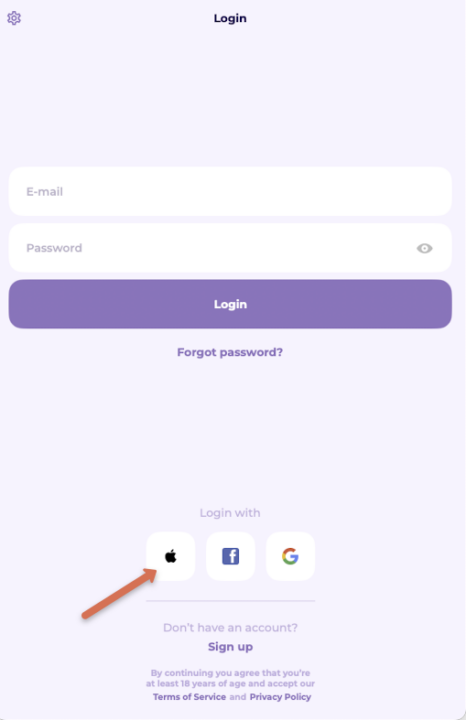
1. You signed up using your Apple ID
If you registered your DARE app account using your Apple ID, your account doesn't use a separate DARE app password. Instead, it uses your Apple ID login credentials.
Here's how to log in:
First, make sure you're already signed in to your Apple ID on your device.
Open the DARE app.
Go to the Login page.
Under Log in with, tap the Apple icon.
Choose to sign in using Face ID, Touch ID, or your device passcode..
If prompted, choose whether to share or hide your email address.
Once completed, you’ll be logged into your account.
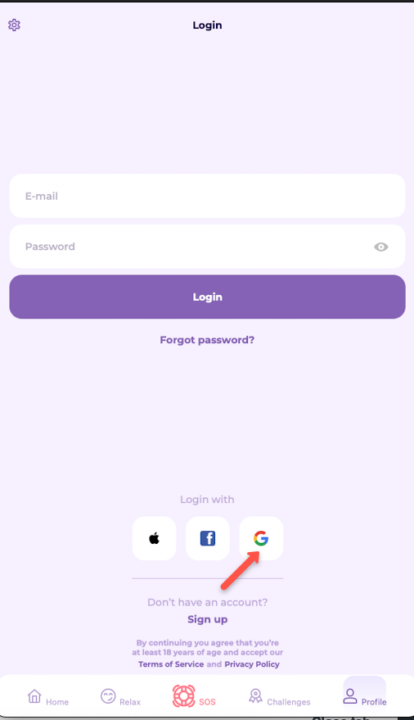
2. You signed up using your Google account
If you registered your DARE app account using your Google account, your account doesn't use a separate DARE app password. Instead, it uses your Google account login credentials.
Here's how to log in:
First, make sure you're already signed in to your Google account on your device.
Open the DARE app.
Go to the Login page.
Under Log in with, tap the Google icon.
Choose your Google account from the list (or sign in if it’s not shown).
Follow any prompts to confirm your login.
Once completed, you’ll be logged into your account.
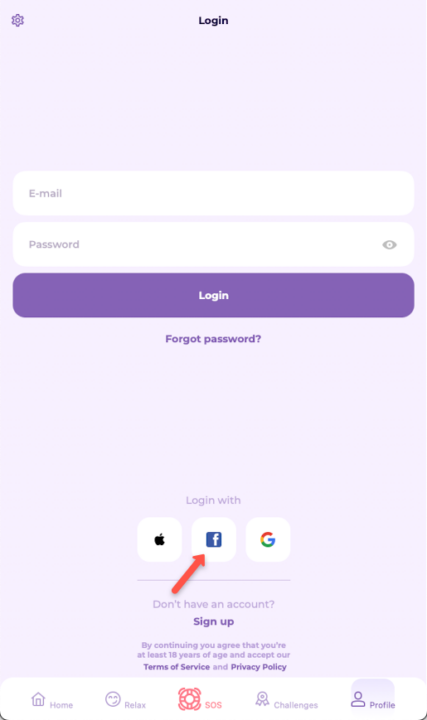
3. You signed up using your Facebook account
If you registered your DARE app account using your Facebook account, your account doesn't use a separate DARE app password. Instead, it uses your Facebook account login credentials.
Here's how to log in:
First, make sure you're already signed in to your Facebook account on your device.
Open the DARE app.
Go to the Login page.
Under Log in with, tap the Facebook icon.
Choose your Facebook account from the list (or sign in if it’s not shown).
Follow any prompts to confirm your login.
Once completed, you’ll be logged into your account.
Download the DARE app