






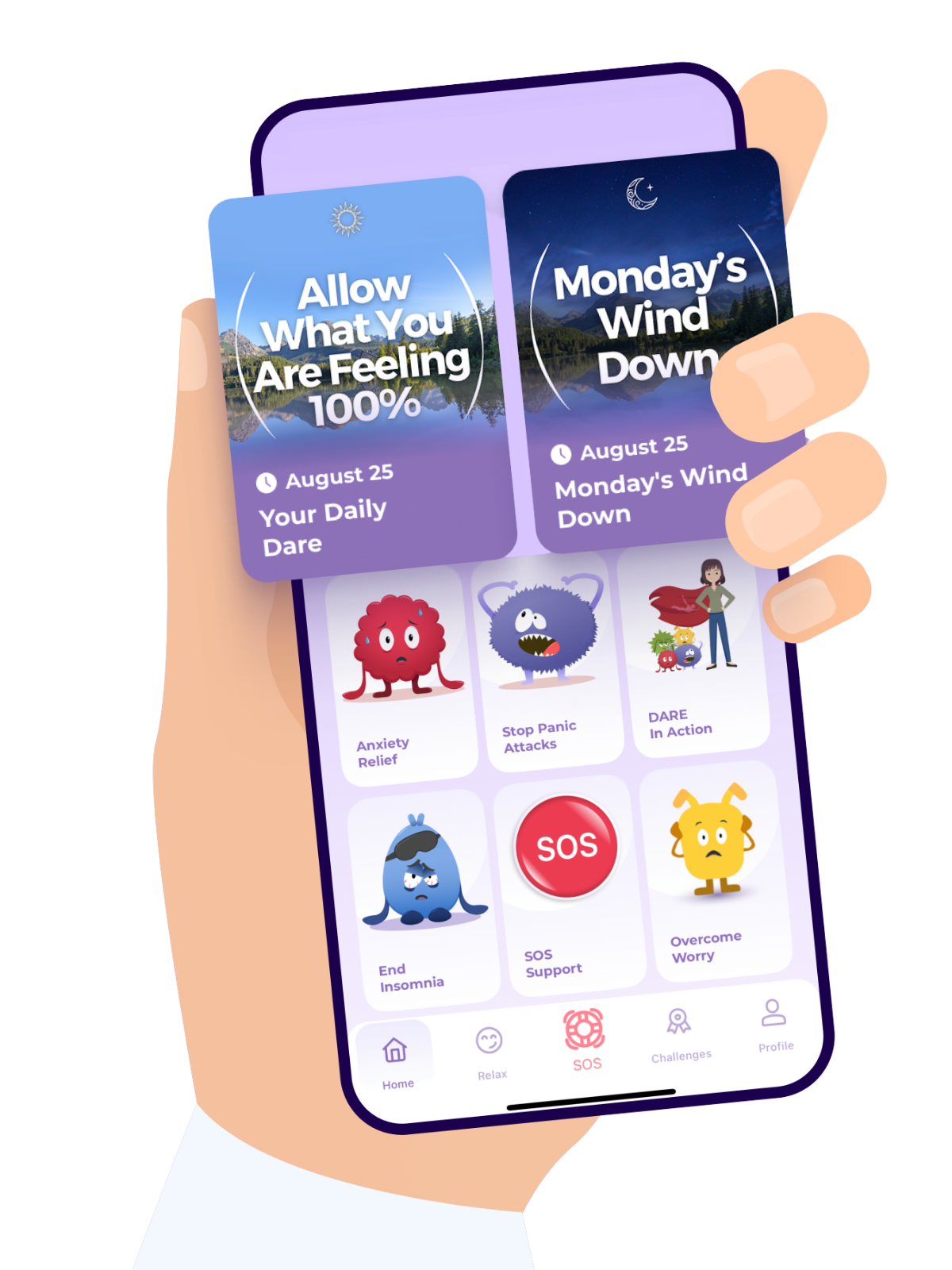
If you created your DARE app account using an email address and password, here are the login steps:
Open the DARE app.
Tap Login.
Enter the email address associated with your DARE account in the Email field.
Enter your password in the Password field.
Tap Login to access your account.
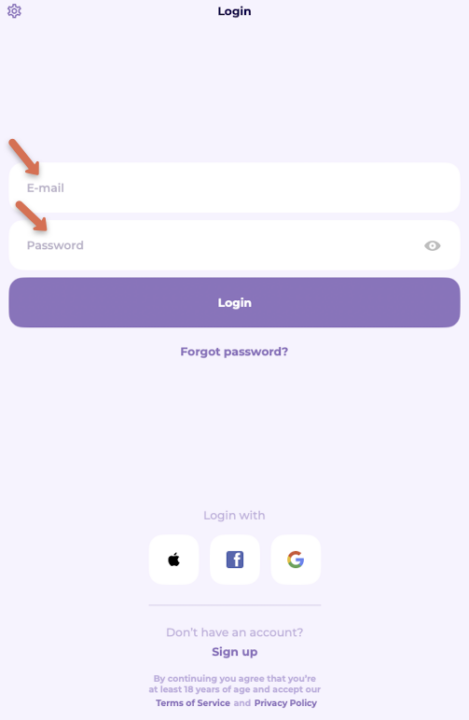
If you created your DARE app account using your Facebook, here are the login steps:
First, make sure you're logged into the Facebook account you originally used to create your DARE account.
Open the DARE app.
Tap Login.
Select Login with Facebook.
Follow any prompts to complete sign-in.
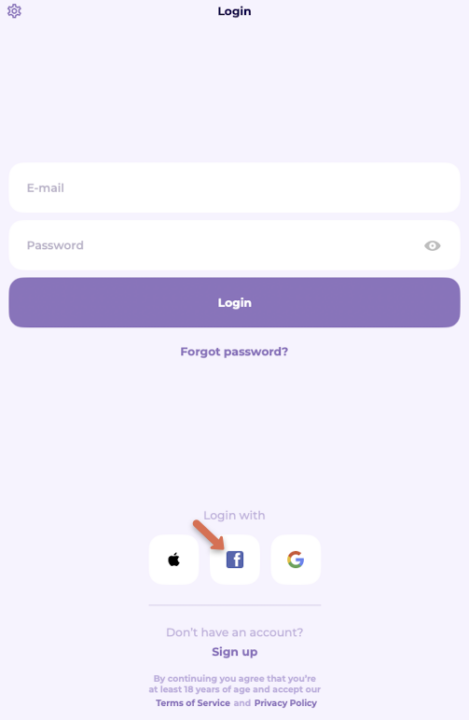
If you created your DARE app account using your Google account, here are the login steps:
First, make sure you're logged into the Google account you originally used to create your DARE account.
Open the DARE app.
Tap Login.
Select Login with Google.
Follow any prompts to complete sign-in.
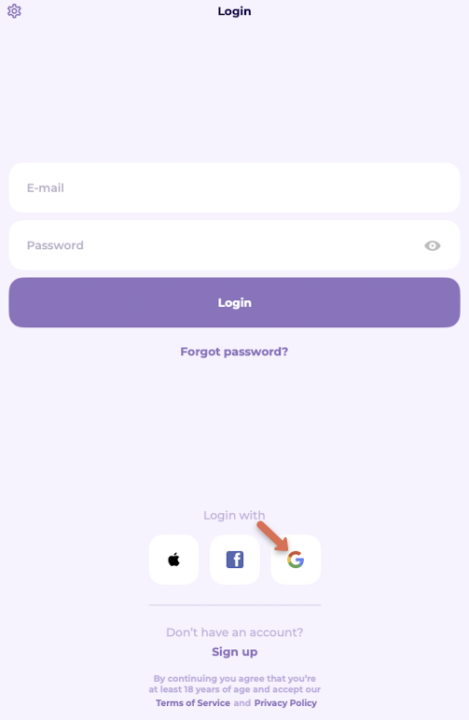
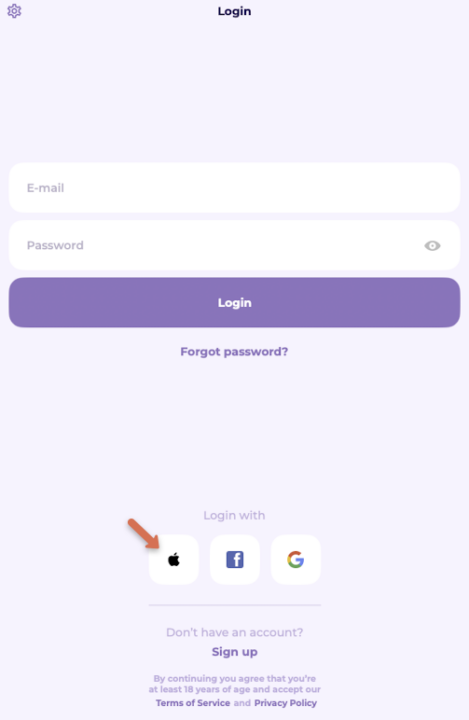
If you created your DARE app account using your Google account, here are the login steps:
First, make sure you're logged into the Apple account you originally used to create your DARE account.
Open the DARE app.
Tap Login.
Select Login with Apple.
Follow any prompts to complete sign-in.
Download the DARE app